
 EN
EN
Understanding Kyocera Fuser Unit Issues and Their Impact on Print Quality
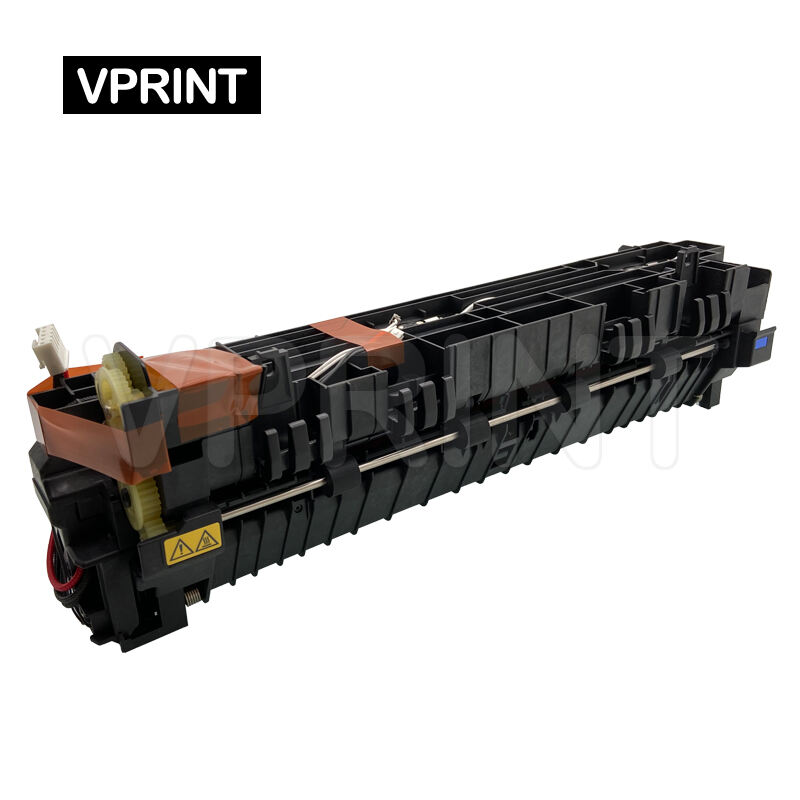
Kyocera printers are renowned for their reliability and durability in office environments, but like any mechanical component, their fuser units can experience various issues over time. The fuser unit plays a crucial role in the printing process by applying heat and pressure to permanently bond toner to paper. When Kyocera fuser problems arise, they can significantly impact print quality and overall printer performance. This comprehensive guide explores the most common fuser-related issues, their causes, and effective solutions to help maintain optimal printing operations.
Essential Components of Kyocera Fuser Units
Heat Roller and Pressure Roller Mechanics
The heart of a Kyocera fuser unit consists of two primary components: the heat roller and pressure roller. The heat roller contains a heating element that maintains a consistent temperature, typically between 350-400 degrees Fahrenheit. The pressure roller works in tandem with the heat roller, creating the necessary compression to ensure toner adhesion. When either of these components fails to function correctly, Kyocera fuser problems become apparent in print output.
Thermistors and Temperature Control Systems
Kyocera fusers incorporate sophisticated temperature control systems, including thermistors and thermal fuses. These components monitor and regulate fuser temperature to prevent overheating and ensure consistent print quality. Malfunctioning temperature sensors can lead to various issues, from inadequate toner fusion to excessive heat damage. Understanding these control systems is essential for diagnosing and resolving fuser-related problems effectively.
Common Mechanical Failures in Kyocera Fusers
Wear Patterns and Physical Damage
Over time, Kyocera fuser units can develop specific wear patterns that affect their performance. The heat roller's coating may deteriorate, leading to uneven heating and inconsistent toner adhesion. Physical damage, such as scratches or dents in the rollers, can cause recurring marks on printed pages. Regular inspection of these components helps identify potential Kyocera fuser problems before they severely impact print quality.
Bearing and Drive System Issues
The fuser assembly relies on a complex system of bearings and drive mechanisms to maintain proper roller rotation and pressure. When these components wear out or become contaminated, they can cause irregular movement, squealing noises, or paper jams. Proper maintenance and timely replacement of worn bearings can prevent many common Kyocera fuser problems related to mechanical failures.
Thermal Performance and Heat-Related Complications
Temperature Regulation Failures
One of the most critical Kyocera fuser problems involves temperature regulation. When thermal sensors malfunction or heating elements degrade, the fuser unit may fail to maintain proper operating temperature. This can result in under-fused toner that smears easily or over-fused pages that appear wrinkled or scorched. Regular calibration and monitoring of temperature control systems are essential for preventing these issues.
Heat Distribution and Cold Spot Formation
Uneven heat distribution across the fuser roller can create cold spots, leading to inconsistent toner adhesion. These problems often manifest as areas of light or missing print on the page. Understanding the patterns of heat distribution and identifying potential causes of cold spots is crucial for maintaining optimal fuser performance and print quality.
Paper Handling and Feed-Related Issues
Paper Path Alignment Problems
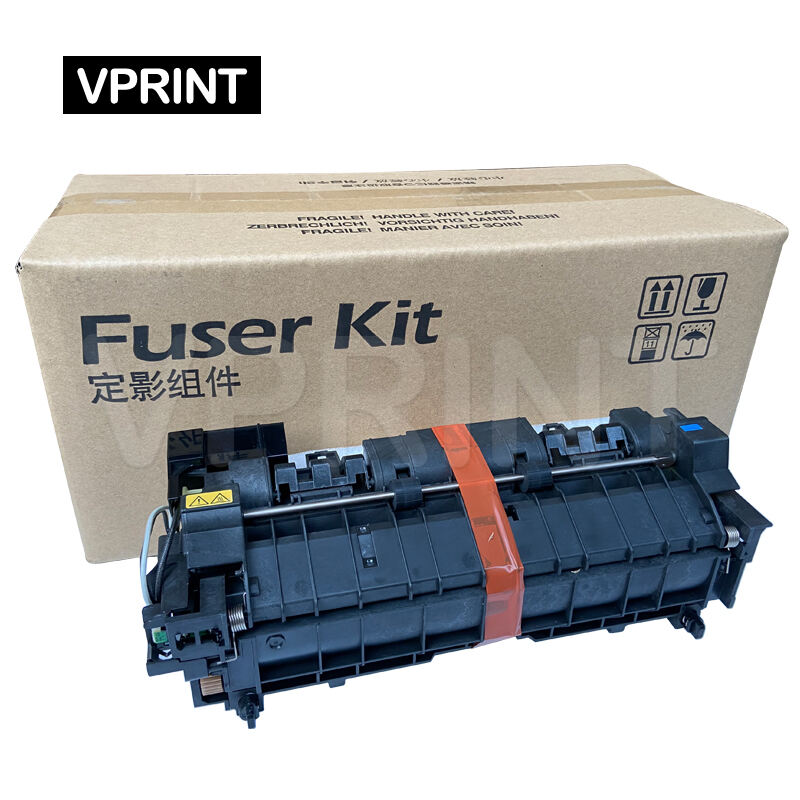
Proper paper alignment through the fuser assembly is critical for preventing jams and ensuring even toner fusion. Misaligned guides or worn roller surfaces can cause paper to skew or wrinkle as it passes through the fuser unit. Regular inspection and adjustment of paper path components help minimize these common Kyocera fuser problems.
Media Type Compatibility Challenges
Different paper types require specific temperature and pressure settings for optimal toner fusion. When these settings are incorrect or the fuser unit cannot properly accommodate certain media types, print quality issues arise. Understanding media compatibility and adjusting fuser settings accordingly helps prevent common problems associated with specialty papers and heavy stock.
Maintenance and Prevention Strategies
Routine Cleaning and Inspection Protocols
Implementing regular cleaning and inspection routines is essential for preventing common Kyocera fuser problems. This includes removing paper dust, toner particles, and debris that can accumulate on roller surfaces. Regular visual inspections help identify signs of wear or damage before they lead to significant issues. Developing a comprehensive maintenance schedule ensures consistent printer performance and extends fuser unit life.
Preventive Replacement Guidelines
Understanding when to replace fuser components proactively can prevent unexpected failures and minimize downtime. Manufacturers typically specify recommended replacement intervals based on page count or usage patterns. Following these guidelines and monitoring print quality indicators helps maintain optimal performance and avoid costly emergency repairs.
Frequently Asked Questions
How long should a Kyocera fuser unit typically last?
A Kyocera fuser unit typically lasts between 150,000 to 300,000 pages, depending on the printer model and usage patterns. However, factors such as print volume, media types, and maintenance practices can significantly impact fuser life expectancy.
Can I clean the fuser unit myself?
While basic external cleaning can be performed by users, internal fuser cleaning should only be done by qualified technicians. The high temperatures and sensitive components involved make professional maintenance the safest option for addressing Kyocera fuser problems.
What causes repeated paper jams in the fuser area?
Repeated paper jams in the fuser area can be caused by several factors, including worn roller surfaces, improper pressure settings, misaligned paper guides, or accumulated debris. Regular maintenance and proper paper handling procedures help minimize these issues.
Table of Contents
- Understanding Kyocera Fuser Unit Issues and Their Impact on Print Quality
- Essential Components of Kyocera Fuser Units
- Common Mechanical Failures in Kyocera Fusers
- Thermal Performance and Heat-Related Complications
- Paper Handling and Feed-Related Issues
- Maintenance and Prevention Strategies
- Frequently Asked Questions