
 EN
EN
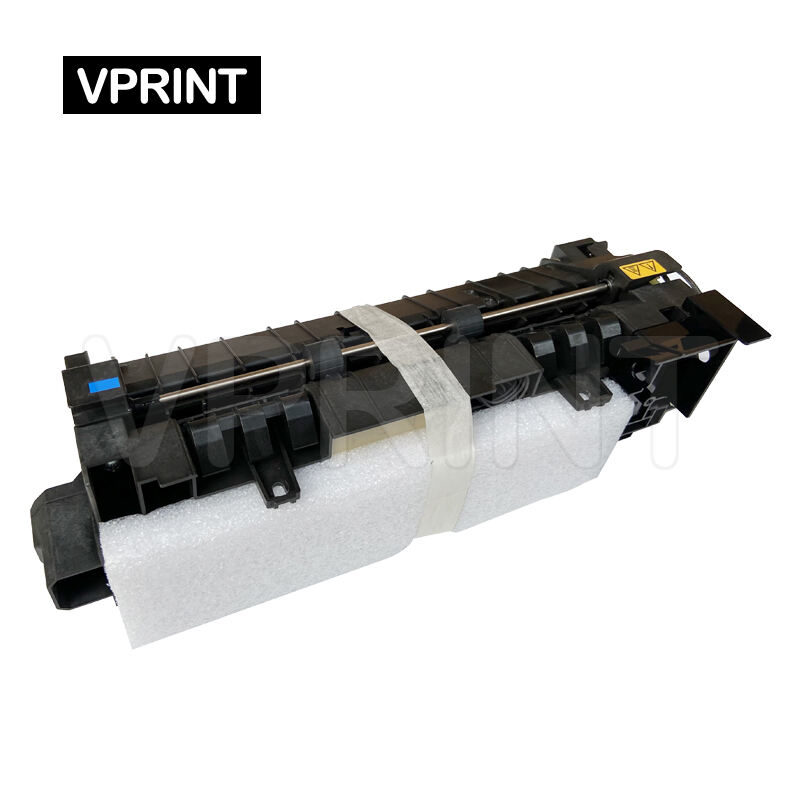
Maximizing Your Printer's Performance Through Proper Fuser Maintenance
The Kyocera fuser unit plays a critical role in the printing process, acting as the component that permanently bonds toner to paper through heat and pressure. Understanding how to properly maintain and extend the life of your Kyocera fuser not only ensures optimal print quality but also provides significant cost savings in the long run. This comprehensive guide will walk you through essential maintenance practices, warning signs to watch for, and professional tips to maximize your fuser's lifespan.
Understanding Your Kyocera Fuser Components
Essential Parts and Their Functions
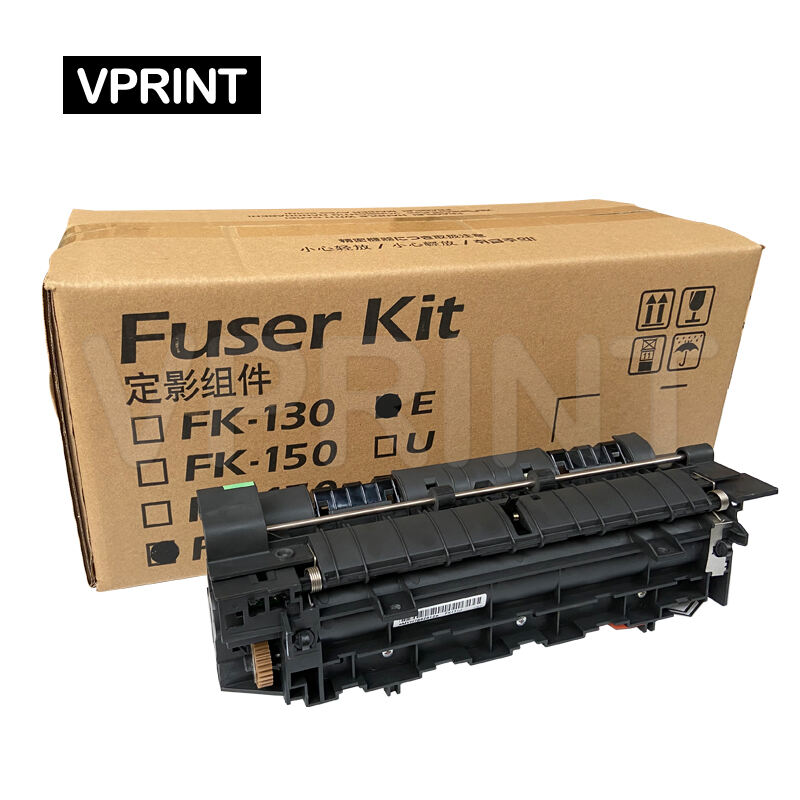
The Kyocera fuser assembly consists of several crucial components working in harmony. The heating element, pressure roller, and thermistor are the primary parts that ensure proper toner adhesion. The heating element maintains the precise temperature needed for fusing, while the pressure roller applies the necessary force to bond toner to paper. Understanding these components helps you better maintain your Kyocera fuser and recognize potential issues before they become serious problems.
Common Wear Patterns and Lifecycle Stages
Like any mechanical component, the Kyocera fuser experiences natural wear over time. The heat roller's coating may gradually deteriorate, and the pressure roller can develop inconsistencies in its surface. Recognizing these normal wear patterns helps you anticipate maintenance needs and prevent premature failure. Most Kyocera fuser units are designed to last between 200,000 and 500,000 pages, depending on the model and usage patterns.
Preventive Maintenance Strategies
Daily Care and Operation Practices
Implementing proper daily maintenance routines significantly extends your Kyocera fuser's lifespan. Always allow the printer to complete its power-down cycle, which helps protect the fuser from heat stress. Use the recommended paper types and weights to prevent unnecessary strain on the fuser assembly. Regular cleaning of paper dust and debris around the fuser area prevents contamination and ensures smooth operation.
Professional Maintenance Schedule
Establishing a regular maintenance schedule with qualified technicians helps identify potential issues before they lead to fuser failure. Professional maintenance typically includes thorough cleaning, component inspection, and adjustment of pressure settings when necessary. Schedule these check-ups based on your printer's usage volume, typically every 100,000 to 200,000 pages for optimal performance.
Optimizing Operating Conditions
Environmental Factors and Their Impact
The environment where your printer operates significantly affects your Kyocera fuser's longevity. Maintain a stable room temperature between 68-75°F (20-24°C) and relative humidity between 45-55%. Excessive humidity can cause paper to absorb moisture, leading to poor fusing quality, while very dry conditions may increase static electricity and paper jams. Proper ventilation around the printer prevents heat buildup that could stress the fuser components.
Power Quality and Stability
Consistent power supply is crucial for your Kyocera fuser's optimal performance and longevity. Install a high-quality surge protector or uninterruptible power supply (UPS) to guard against voltage fluctuations that can damage the fuser's sensitive heating elements. Sudden power interruptions during printing can also stress the fuser, so a UPS provides valuable protection against such events.
Troubleshooting and Early Intervention
Recognizing Warning Signs
Early detection of potential fuser issues helps prevent costly replacements. Watch for signs such as wrinkled output, poor toner adhesion, or unusual noises during printing. If you notice faint horizontal lines or spots repeating at regular intervals, this might indicate wear on the fuser roller. Addressing these symptoms promptly through professional service can extend your Kyocera fuser's useful life.
Emergency Care Procedures
When fuser-related issues arise, proper immediate response can prevent permanent damage. If you notice paper jams in the fuser area, never force paper removal as this can damage the delicate components. Instead, follow the printer's manual for proper jam clearing procedures. If you detect burning smells or unusual noises, power down the printer immediately and contact a qualified technician.
Long-term Investment Protection
Quality Supplies and Parts
Using genuine Kyocera supplies and replacement parts ensures optimal performance and longevity of your fuser unit. While alternative supplies might seem cost-effective initially, they often lead to increased wear and potential damage to the fuser assembly. Genuine parts are designed to specific tolerances and materials that work harmoniously with your printer's systems.
Documentation and Service Records
Maintaining detailed records of maintenance activities, part replacements, and service interventions helps track your Kyocera fuser's health over time. These records assist in identifying patterns, predicting maintenance needs, and ensuring warranty compliance. Keep logs of page counts, service dates, and any unusual events for future reference.
Frequently Asked Questions
How often should I clean my Kyocera fuser unit?
Professional cleaning is recommended every 100,000 pages or quarterly, whichever comes first. However, regular visual inspection and light cleaning of accessible areas can be performed monthly or as needed based on usage patterns.
What temperature range is safe for Kyocera fuser operation?
The optimal operating temperature for most Kyocera fuser units is between 350-400°F (177-204°C). However, this is automatically controlled by the printer's firmware, and users should focus on maintaining proper room temperature and ventilation.
When should I consider replacing my Kyocera fuser unit?
Consider replacement when approaching the rated page count (typically 200,000-500,000 pages), if print quality issues persist after maintenance, or if physical damage to critical components is observed. Regular maintenance can often extend this lifecycle significantly.