
 EN
EN
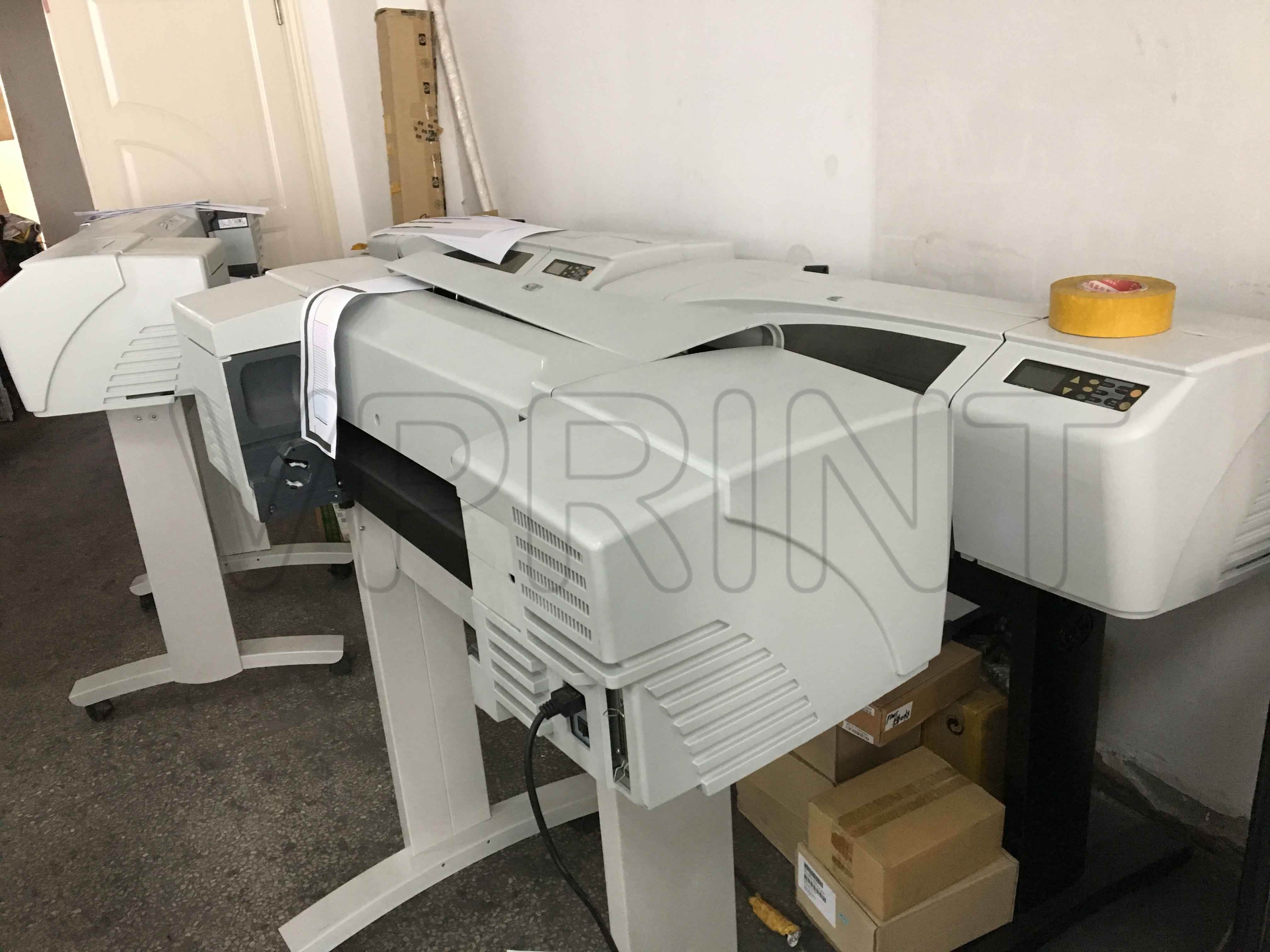
Understanding HP's Professional Large Format Printing Solutions
The world of large format printing has evolved significantly, with HP leading the innovation in plotter technology. HP plotter models represent the pinnacle of professional printing solutions, offering various capabilities to meet diverse business needs. Whether you're an architect presenting detailed blueprints or a marketing agency producing eye-catching banners, understanding the distinct characteristics of different HP plotter models is crucial for making an informed investment.
Technical Specifications and Performance Features
Print Resolution and Speed Variations
HP plotter models differ significantly in their printing resolution capabilities. Entry-level models typically offer resolutions up to 2400 x 1200 dpi, while premium options can deliver up to 2400 x 1200 optimized dpi from 1200 x 1200 input dpi. Print speed also varies considerably across the range. Basic HP plotter models can produce A1/D-sized prints in about 45 seconds, while advanced models can output the same size in as little as 20 seconds.
The DesignJet series, particularly the high-end models, incorporates HP's advanced thermal inkjet technology, ensuring precise dot placement and superior color accuracy. This technology enables consistent, professional-quality outputs even during high-volume printing sessions.
Media Handling and Size Capabilities
Different HP plotter models accommodate varying media sizes and types. Entry-level plotters typically handle media widths up to 24 inches, while professional-grade models can work with media up to 44 inches wide. The high-end HP plotter models feature automatic roll feeds and built-in cutters, streamlining the printing process for large projects.
Media flexibility also varies across the range. Premium models support a wider variety of media types, including photo paper, coated paper, technical paper, bond and coated bond paper, backlit material, and even some textile options. This versatility makes them suitable for diverse applications, from technical drawings to retail signage.
Application-Specific Features and Capabilities
CAD and Technical Drawing Solutions
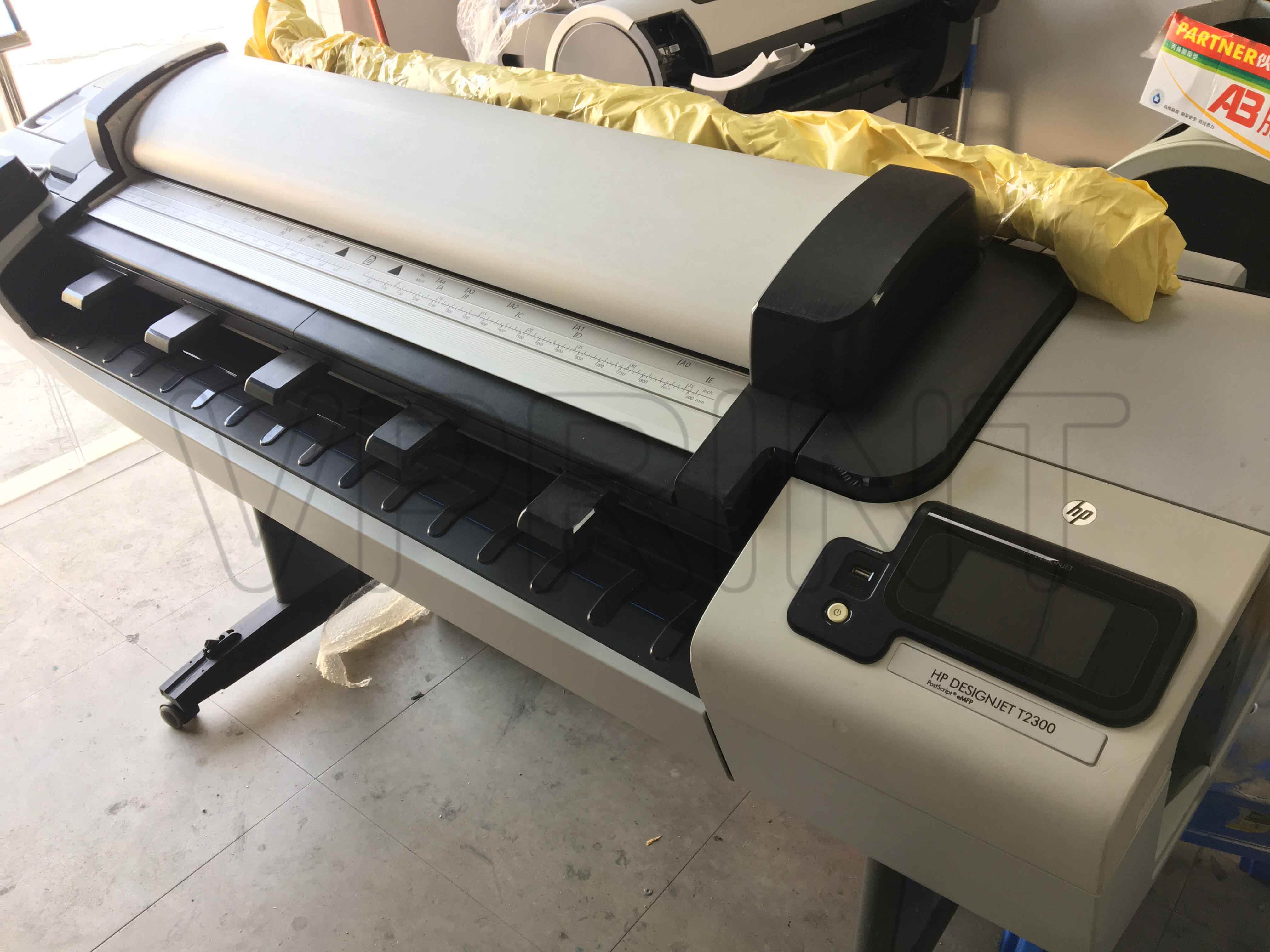
HP plotter models designed for technical applications offer specialized features for CAD drawings and engineering documents. These models prioritize line accuracy, fine detail reproduction, and efficient processing of complex vector files. The T-series plotters, for instance, excel in producing precise architectural plans and engineering drawings with exceptional line quality and sharp text.
Advanced HP plotter models in this category include integrated processing units that can handle complex CAD files efficiently, reducing waiting times and improving workflow productivity. They also feature automatic file optimization to ensure consistent quality across different types of technical documents.
Graphics and Production Printing Features
For graphics-intensive applications, certain HP plotter models offer enhanced color management capabilities and superior photo reproduction. These models typically feature advanced color calibration systems and support for professional color standards. The Z-series plotters, particularly designed for graphics and photography, deliver exceptional color accuracy and smooth gradients.
Production-focused HP plotter models include features like larger ink capacities, multiple roll support, and advanced workflow management tools. These features enable continuous operation and higher production volumes, making them ideal for print service providers and busy design studios.
Connectivity and Software Integration
Network and Cloud Capabilities
Modern HP plotter models offer various connectivity options, but the sophistication level differs across the range. Basic models provide standard USB and network connectivity, while advanced models feature built-in Wi-Fi, mobile printing capabilities, and integration with cloud services. Some premium HP plotter models support HP Click software, enabling one-click printing from multiple sources.
Enterprise-grade plotters include advanced security features and network management tools, making them suitable for large organizations with strict IT protocols. These models often support fleet management solutions, enabling centralized control and monitoring of multiple devices.
Software Compatibility and Workflow Solutions
Different HP plotter models come with varying levels of software support and workflow integration capabilities. Entry-level models typically include basic drivers and printing utilities, while professional models offer comprehensive software suites for advanced color management, job queuing, and production tracking.
High-end HP plotter models support sophisticated workflow solutions, including integration with popular design software and professional RIP (Raster Image Processor) solutions. This integration enables seamless workflow from design to print, with features like preview, nesting, and cost estimation.
Frequently Asked Questions
What factors should I consider when choosing an HP plotter?
Consider your primary application (technical drawings, graphics, or production), required print volume, maximum media width needed, and available space. Also evaluate connectivity requirements, software compatibility, and total cost of ownership, including ink and maintenance expenses.
How do ink systems differ between HP plotter models?
HP plotter models use different ink technologies and configurations. Entry-level models typically use four-ink systems (CMYK), while professional models may use six, eight, or even twelve inks for better color accuracy and wider color gamut. Some models use pigment inks for durability, while others use dye-based inks for vibrant colors.
What maintenance requirements vary across HP plotter models?
Maintenance requirements vary significantly. Basic models need regular manual maintenance, while advanced models feature automatic maintenance routines, self-cleaning printheads, and built-in diagnostics. Professional models often include remote monitoring capabilities and preventive maintenance alerts to minimize downtime.